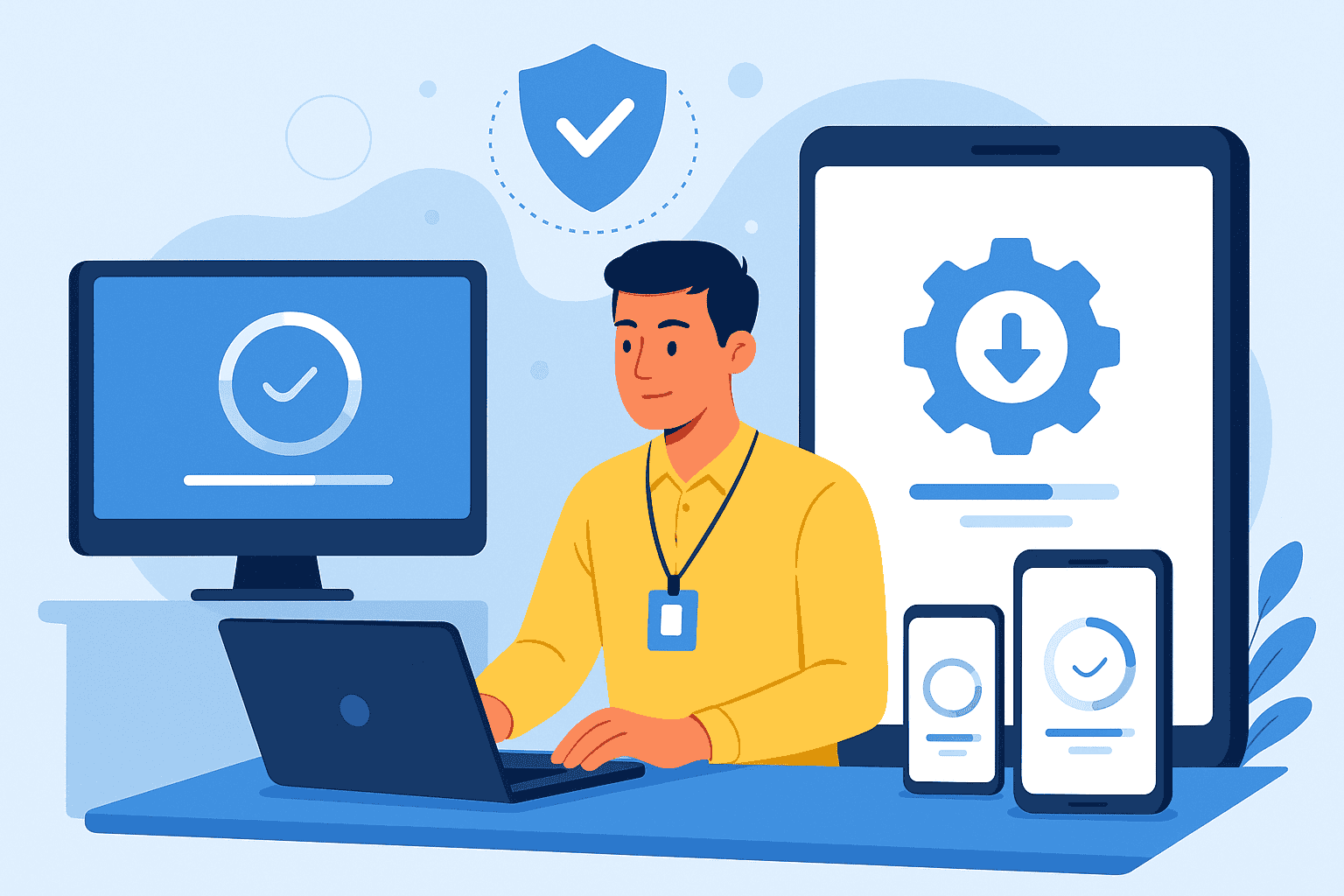
Managing company technology has become increasingly complex in 2026. Cyber threats continue to evolve, and businesses face growing pressure to protect their digital assets. Therefore, keeping company devices updated and secure is no longer optional. It is essential for survival. UK businesses encounter numerous challenges when managing updates across laptops, smartphones, tablets, and other endpoints. However, the right approach makes this process straightforward. This guide explores company device security best practices and practical solutions to help you protect your organisation efficiently.
Why Company Device Security And Updates Matter
The cybersecurity threat landscape has shifted dramatically in recent years. Attackers now target businesses of all sizes across the United Kingdom. Consequently, outdated software and firmware create dangerous vulnerabilities that criminals exploit. Research shows that unpatched devices account for a significant percentage of successful data breaches.
Furthermore, the financial impact of security incidents can devastate organisations. Costs include regulatory fines, legal fees, remediation expenses, and reputational damage. GDPR and UK data protection regulations require businesses to implement appropriate technical measures. So, failing to keep company devices updated and secure could result in substantial penalties.
Additionally, the rise of bring-your-own-device policies adds complexity. Both company-owned and personal devices accessing corporate resources require proper management. Remote working has expanded the attack surface considerably. Therefore, enterprise device security management must address these evolving challenges comprehensively.
Understanding Device Types Requiring Management
Modern businesses rely on diverse technology ecosystems. Laptops and desktops form the foundation of most operations. However, smartphones and tablets have become equally critical for productivity. Also, IoT devices and peripherals often connect to corporate networks without adequate oversight.
Each device category presents unique security considerations. Windows machines require different approaches than macOS systems. Similarly, iOS and Android devices need specific management strategies. Linux servers and workstations add further complexity to the mix.
Managing on-premise equipment differs from securing remote devices. Hybrid working environments mean employees access sensitive data from various locations. Therefore, company device management solutions must accommodate this flexibility whilst maintaining robust protection.
The Challenge Of Operating System Diversity
Supporting multiple operating systems stretches IT resources considerably. Each platform has distinct update mechanisms and security features. Windows Update behaves differently from Apple’s software update system. Because of this diversity, centralised device update management becomes invaluable.
Company Device Security Best Practices
Implementing strong security foundations protects your organisation effectively. First, establish a formal device security policy that all employees understand. This document should outline acceptable use, security requirements, and consequences for violations.
Regular security audits help identify vulnerabilities before attackers do. Maintain accurate device inventories to track all endpoints accessing your network. Then, apply the principle of least privilege, giving users only necessary access rights.
Encryption protects data at rest and in transit. Ensure all company devices encrypt stored information automatically. Also, require strong authentication methods including multi-factor authentication for sensitive systems.
Secure Configuration And Network Protection
Establish secure configuration baselines for each device type. These standards ensure consistent security across your organisation. Furthermore, network security measures like VPNs protect remote device connections. Physical security also matters, so implement policies for device storage and handling.
Creating An Effective Company Device Update Policy
A formal update policy provides essential structure for your security programme. This document should define update frequency based on criticality levels. Critical security patches require immediate deployment, whilst feature updates can follow scheduled cycles.
Include approval processes that balance speed with stability. Testing procedures help prevent updates from disrupting business operations. Also, establish rollback procedures for problematic deployments. Communication protocols keep staff informed about upcoming changes.
Documentation supports compliance requirements and audit preparation. Therefore, record all update activities systematically. Different approaches suit different update types, so your policy should address various scenarios comprehensively.
Automated Update Management Solutions
Manual update processes cannot scale effectively. Human error introduces inconsistencies and delays. Consequently, automated company device updates provide superior protection. Automation ensures patches deploy consistently across all endpoints.
Automated patch management business solutions offer numerous benefits. Time savings allow IT teams to focus on strategic initiatives. Centralised management consoles provide visibility across your entire device estate. Also, scheduling capabilities minimise disruption to daily operations.
Look for solutions offering comprehensive reporting and compliance tracking. Integration with existing infrastructure simplifies deployment. Enterprise device compliance management features help demonstrate regulatory adherence during audits.
Selecting The Right Platform
Mobile Device Management and Unified Endpoint Management solutions enable centralised control. These platforms manage company mobile devices alongside traditional endpoints. Remote configuration capabilities support distributed workforces effectively. Therefore, evaluate platforms based on your specific device mix and security requirements.
Conclusion
Keeping company devices updated and secure requires strategic planning and appropriate tools. The threat landscape demands proactive approaches to device security. By implementing company device security best practices, you protect your organisation from costly breaches. Automated solutions streamline management whilst ensuring consistent protection. Therefore, invest in robust device management to safeguard your business assets.
If you are in need of any IT or Cloud services, you can book a call with us today or check out our latest videos to learn more about us.
Frequently Asked Questions
How Often Should Company Devices Receive Security Updates?
Critical security patches should deploy within 24 to 48 hours of release. Regular updates can follow weekly or monthly schedules based on your organisation’s risk tolerance and testing requirements.
What Is The Best Way To Manage Company Device Updates Remotely?
Unified Endpoint Management platforms enable centralised control over remote devices. These solutions push updates automatically regardless of device location, ensuring consistent security across your organisation.
How Can Small Businesses Keep Company Devices Secure Affordably?
Cloud-based device management solutions offer cost-effective options for smaller organisations. Many platforms provide tiered pricing based on device numbers, making enterprise-grade security accessible to SMEs.
What Devices Should A Company Device Security Policy Cover?
Your policy should address all devices accessing corporate resources. This includes laptops, desktops, smartphones, tablets, IoT devices, and any personal devices used for work purposes.
Why Is Automated Patch Management Important For Business Security?
Automation eliminates delays and human error from update processes. Consistent, timely patching closes security vulnerabilities before attackers can exploit them, significantly reducing your organisation’s risk exposure.