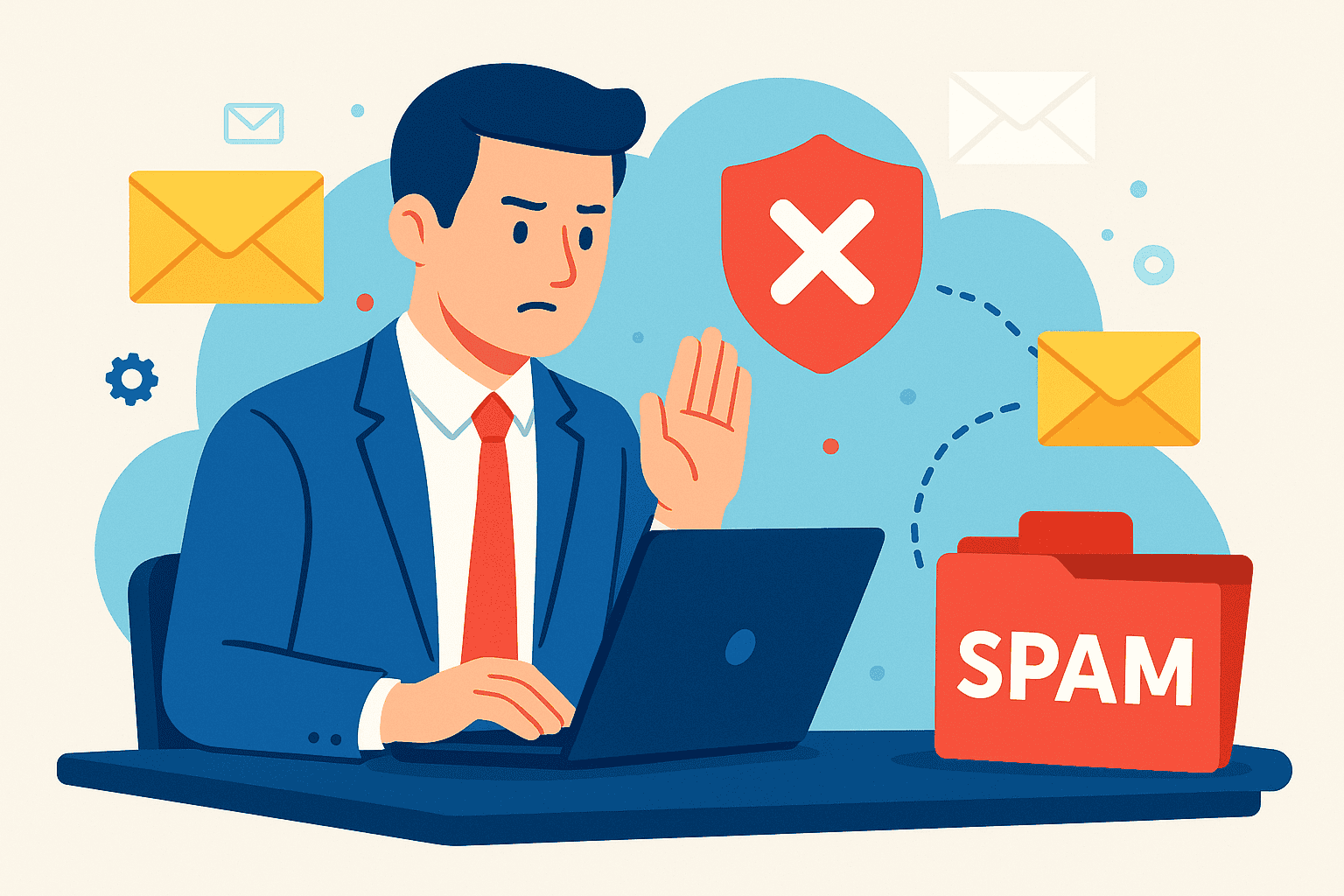
Having important business emails land in spam folders can cause serious problems. You might miss client enquiries, lose sales opportunities, or experience delayed payments. Therefore, understanding why this happens is essential for any UK business.
In this guide, we explore practical solutions to stop business emails going to spam. We cover email authentication, platform-specific fixes for Outlook and Gmail, and content best practices. Additionally, you will learn how to diagnose and fix existing deliverability issues.
Why Are My Business Emails Going To Spam?
Spam filters analyse multiple factors before deciding where to place your emails. Understanding these triggers helps you avoid common mistakes.
Firstly, email reputation plays a crucial role. If your domain has previously sent spam-like content, filters remember this. Consequently, even legitimate emails may face scrutiny.
Secondly, authentication failures often trigger spam filtering. Emails without proper SPF, DKIM, or DMARC records appear suspicious. As a result, providers flag them as potential threats.
Thirdly, content matters significantly. Certain words, excessive capitalisation, and too many links raise red flags. Marketing emails face stricter scrutiny than transactional ones because they often contain promotional language.
Automated emails, invoice notifications, and CRM messages frequently end up in spam. This happens because they often lack personalisation. Also, they may come from unfamiliar sending addresses.
Recipient behaviour influences filtering too. If people mark your emails as spam, future messages suffer. So, always ensure your communications provide genuine value.
The Business Impact Of Emails Landing In Spam
When client emails go to spam, you lose valuable opportunities. A potential customer enquiry sitting in junk means lost revenue.
Invoice emails ending up in spam delay payments significantly. Cash flow suffers when customers never see your payment requests. This creates unnecessary financial stress for UK businesses.
Additionally, missed communications damage professional relationships. Clients expect timely responses, and silence appears unprofessional. Your reputation suffers through no fault of your own.
Compliance concerns also arise. UK businesses must maintain proper records of communications. Missing important emails creates gaps in your documentation trail.
Email Authentication Essentials To Prevent Spam Filtering
SPF Records Setup
SPF (Sender Policy Framework) tells receiving servers which mail servers can send emails for your domain. Without it, anyone could impersonate your business.
To set up SPF, add a TXT record to your DNS settings. Include all authorised sending sources like your email provider and marketing platforms. Test your configuration using free online tools.
Common mistakes include listing too many servers or forgetting third-party services. Keep your SPF record under the lookup limit to avoid failures.
DKIM Implementation
DKIM (DomainKeys Identified Mail) adds a digital signature to your emails. This signature proves the message came from your domain and wasn’t altered.
Your email provider typically generates DKIM keys for you. You then add the public key to your DNS records. Next, test your setup by sending emails to verification services.
DMARC Configuration
DMARC builds upon SPF and DKIM to provide complete authentication. It tells receiving servers how to handle emails that fail checks.
Start with a monitoring policy to understand your email flows. Then, gradually enforce stricter rules as you gain confidence. Review DMARC reports regularly to identify issues.
How To Stop Emails Going To Spam In Outlook
Microsoft 365 and Exchange users need proper server-side configurations. Ensure your domain has complete authentication records in place.
Check whether your domain appears on any blacklists. Use online tools to verify your status. If blacklisted, follow the delisting process promptly.
Configure your sending address consistently. Outlook’s junk filter learns from patterns, so consistency helps. Also, ask recipients to add your address to their safe senders list.
For organisations, IT administrators should review transport rules. These rules can affect how emails are processed and filtered.
How To Prevent Emails From Going To Spam In Gmail
Gmail applies particularly strict spam filtering criteria. Authentication compliance is non-negotiable for reaching Gmail inboxes.
Google requires SPF and DKIM alignment for bulk senders. Additionally, Gmail checks your domain reputation carefully. Poor reputation results in immediate spam folder placement.
Avoid sudden spikes in sending volume. Gmail’s algorithm flags unusual activity as suspicious. Instead, gradually increase your sending over time.
Request Gmail users to whitelist your address. They can add you to contacts or move emails to their primary inbox. This signals to Gmail that your messages are wanted.
Email Content Best Practices To Improve Deliverability
Your email content significantly affects spam scores. Therefore, follow these guidelines for better results.
Write clear, professional subject lines. Avoid excessive capitalisation, exclamation marks, and spam trigger words. Keep subject lines relevant to your message content.
Maintain a healthy text-to-image ratio. Emails containing mostly images appear suspicious. Include substantial text content alongside any visuals.
Add your UK business address to email footers. This requirement applies particularly to marketing emails. It builds trust and meets legal obligations.
Include proper unsubscribe links in promotional emails. Making this difficult frustrates recipients who may then mark you as spam. Also, honour unsubscribe requests immediately.
Limit links and attachments in your messages. Too many links trigger spam filters quickly. When possible, host documents online and share single links instead.
Conclusion
Stopping business emails from going to spam requires attention to authentication, content, and sending practices. By implementing SPF, DKIM, and DMARC correctly, you establish legitimacy. Following content best practices ensures your messages appear trustworthy.
Take action today to audit your current email setup. Small improvements deliver significant results for your business communications.
If you are in need of any IT or Cloud services, you can book a call with us today or check out our latest videos to learn more about us.
Frequently Asked Questions
Why Do My Important Business Emails Go To Spam?
Your emails likely lack proper authentication records or contain content that triggers spam filters. Implementing SPF, DKIM, and DMARC records typically resolves most deliverability issues.
How Do I Stop Client Emails Going To Spam Folder?
Ask clients to add your email address to their contacts or safe senders list. Also, ensure your domain has complete email authentication configured.
Why Are My Sent Emails Going To Spam In Outlook?
Outlook may flag your emails due to missing authentication or poor sender reputation. Check your SPF and DKIM records, then verify your domain isn’t blacklisted.
How Can I Whitelist Business Email Addresses?
In most email clients, add the sender to your contacts or safe senders list. You can also create rules to ensure emails from specific domains always reach your inbox.
What Is The Best SPF Record Setup To Stop Emails Going To Spam?
Include all legitimate sending sources in your SPF record and end with a soft fail mechanism. Keep the record under ten DNS lookups to prevent authentication failures.