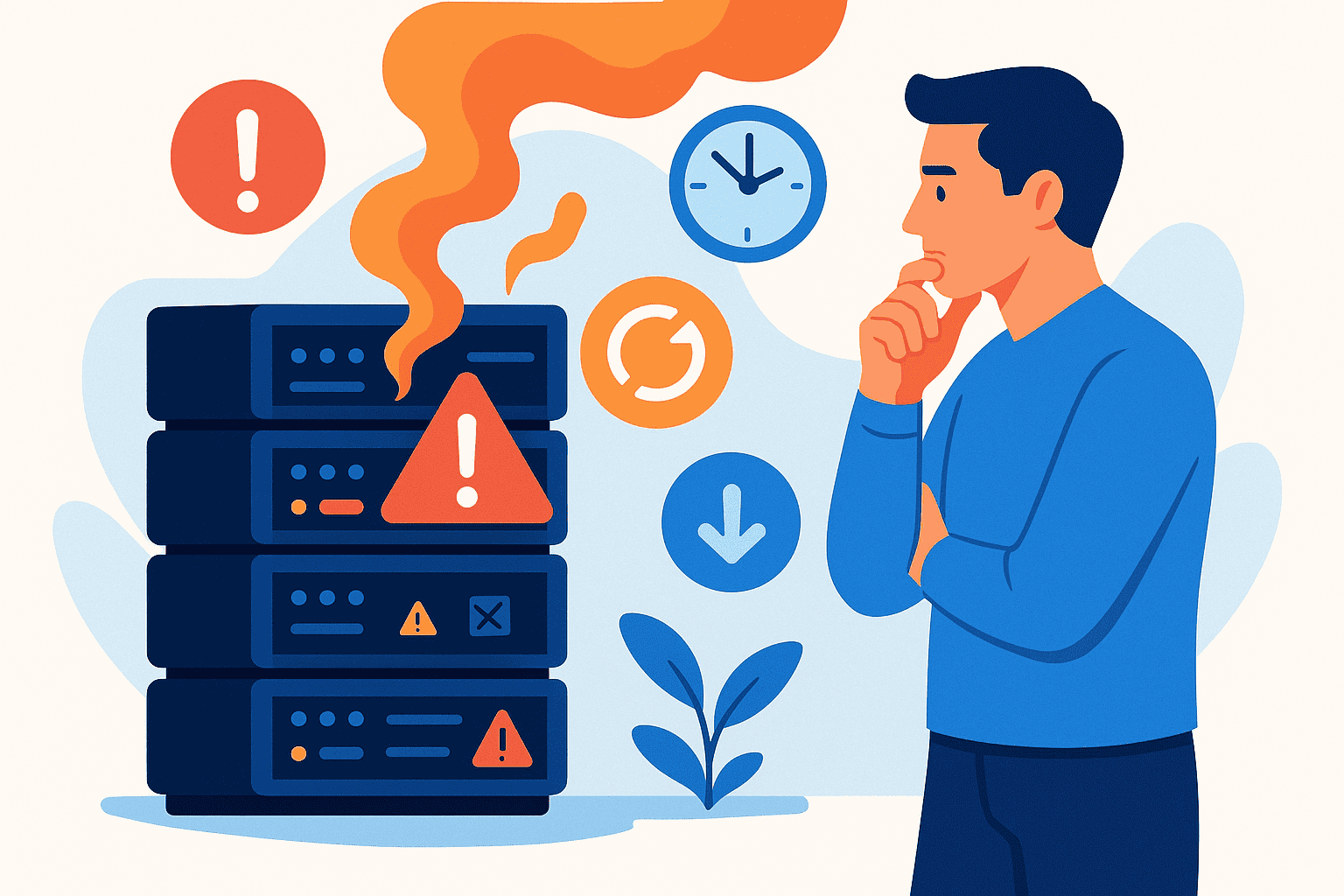
Running a business server beyond its useful life can lead to unexpected downtime, security vulnerabilities, and escalating costs. Many UK business owners struggle to identify the right moment for replacement. Therefore, understanding the warning signs helps you make informed decisions. A typical server lasts between three and five years, depending on workload and maintenance. However, several factors can shorten this lifespan. Proactive replacement protects your business continuity and ensures compliance with UK data protection regulations. This guide covers five clear indicators that signal your server needs replacing.
Frequent Downtime And Hardware Failures
Aging hardware becomes increasingly unreliable over time. Components wear out, and failure rates rise significantly after the three-year mark. Consequently, your business faces growing risks of unexpected outages.
Recognising Hardware Warning Signs
Watch for unexpected server restarts, blue screen errors, and component failures. Hard drives may develop bad sectors, while power supplies become unstable. Also, memory modules can fail without warning. These symptoms indicate your server is approaching end of life.
The business impact of downtime is substantial. UK businesses lose an average of £4,500 per hour during server outages. Additionally, staff productivity drops when systems are unavailable. Customer satisfaction suffers when services become unreliable.
Warranty Expiration And Rising Repair Costs
Once your server warranty expires, repair costs become your responsibility. Finding replacement parts for older systems grows increasingly difficult. Because manufacturers discontinue support, compatible components become scarce and expensive.
A single reactive repair can cost more than planned replacement. Moreover, emergency callouts attract premium charges. So, tracking your warranty status helps you plan replacement timing effectively.
Declining Performance And Speed Issues
Server performance naturally degrades as hardware ages and business demands increase. Slow systems frustrate employees and reduce overall productivity.
Identifying Performance Bottlenecks
Processor bottlenecks occur when your CPU cannot handle modern workloads. Memory limitations cause applications to slow dramatically. Furthermore, storage constraints restrict your ability to save essential business data.
Your business likely generates more data today than when you purchased your server. Growth in employees, customers, and transactions outpaces original specifications. Then, simple tasks take longer, and complex operations become frustrating.
When Upgrades Are Not Enough
Sometimes, upgrading RAM or storage provides temporary relief. However, older motherboards and processors have strict limitations. You cannot install the latest components in legacy systems. Therefore, complete replacement becomes the only viable solution.
Modern servers offer significantly faster processing speeds. They handle virtualisation, cloud integration, and advanced security features efficiently. Your team deserves responsive systems that support their productivity.
Unsupported Or End-Of-Life Operating Systems
Running unsupported operating systems creates serious security and compliance risks. Microsoft regularly ends support for older Windows Server versions. Because security patches stop, vulnerabilities remain permanently unaddressed.
Security And Compliance Implications
Unsupported systems cannot defend against modern cyber threats. Hackers actively target known vulnerabilities in outdated software. Also, malware spreads more easily through unpatched systems.
UK businesses must consider GDPR compliance requirements. The Information Commissioner’s Office expects organisations to implement appropriate technical measures. Running unsupported operating systems fails this basic requirement. Additionally, Cyber Essentials certification requires supported software.
Insurance And Liability Concerns
Many cyber insurance policies exclude claims involving unsupported systems. Insurers view outdated infrastructure as negligent practice. So, a data breach on an unsupported server could void your coverage entirely.
Your business faces potential liability for customer data losses. Regulatory fines for GDPR breaches can reach millions of pounds. Therefore, maintaining supported systems protects your business legally and financially.
Increasing Maintenance Costs And Energy Consumption
Older servers consume significantly more energy than modern equivalents. They also require increasingly expensive maintenance to remain operational.
Rising Total Cost Of Ownership
Maintenance costs typically increase by 20% annually after warranty expiration. Specialist engineers charge premium rates for legacy system support. Because replacement parts are scarce, costs continue rising.
UK energy prices make server efficiency increasingly important. Modern servers consume up to 60% less power than decade-old equivalents. Additionally, they generate less heat, reducing cooling requirements.
Calculating Replacement Return On Investment
Compare your current annual maintenance and energy costs against replacement expenses. Include productivity losses from downtime and slow performance. Often, replacement delivers positive ROI within two years.
Consider hidden costs like staff time managing unreliable systems. Your IT team could focus on strategic projects instead of emergency repairs. Therefore, modern infrastructure investment supports business growth.
Inability To Meet Current Business Requirements
Your server must support current and future business needs. Outdated systems often cannot accommodate modern software or security requirements.
Scalability limitations prevent business expansion. You cannot add users, services, or storage without significant investment. Furthermore, older hardware struggles with virtualisation and cloud connectivity.
Modern applications require current operating systems and hardware specifications. Backup solutions may not support legacy configurations. So, disaster recovery becomes increasingly difficult to implement effectively.
Conclusion
Recognising these five warning signs helps you plan server replacement proactively. Frequent failures, declining performance, unsupported software, rising costs, and capability limitations all indicate replacement need. Acting before catastrophic failure protects your business continuity and data security.
If you are in need of any IT or Cloud services, you can book a call with us today or check out our latest videos to learn more about us.
Frequently Asked Questions
How Long Should A Business Server Last?
Most business servers last between three and five years with proper maintenance. However, heavy workloads and environmental factors can shorten this lifespan significantly.
What Are The First Signs Of Server Failure?
Early warning signs include unexpected restarts, slower performance, and unusual noises. Also, increased error messages and longer boot times indicate potential problems.
Should I Upgrade Or Replace My Old Server?
Replace your server when upgrade costs exceed 50% of new server pricing. Additionally, replace when your system cannot support current operating systems.
How Much Does Server Replacement Cost For UK Businesses?
Small business server replacement typically costs between £2,000 and £15,000. Therefore, costs vary based on specifications, software licensing, and migration complexity.
Can I Replace My Physical Server With Cloud Services?
Yes, cloud migration offers an excellent alternative to physical replacement. Many UK businesses now use hybrid approaches combining on-premise and cloud infrastructure.