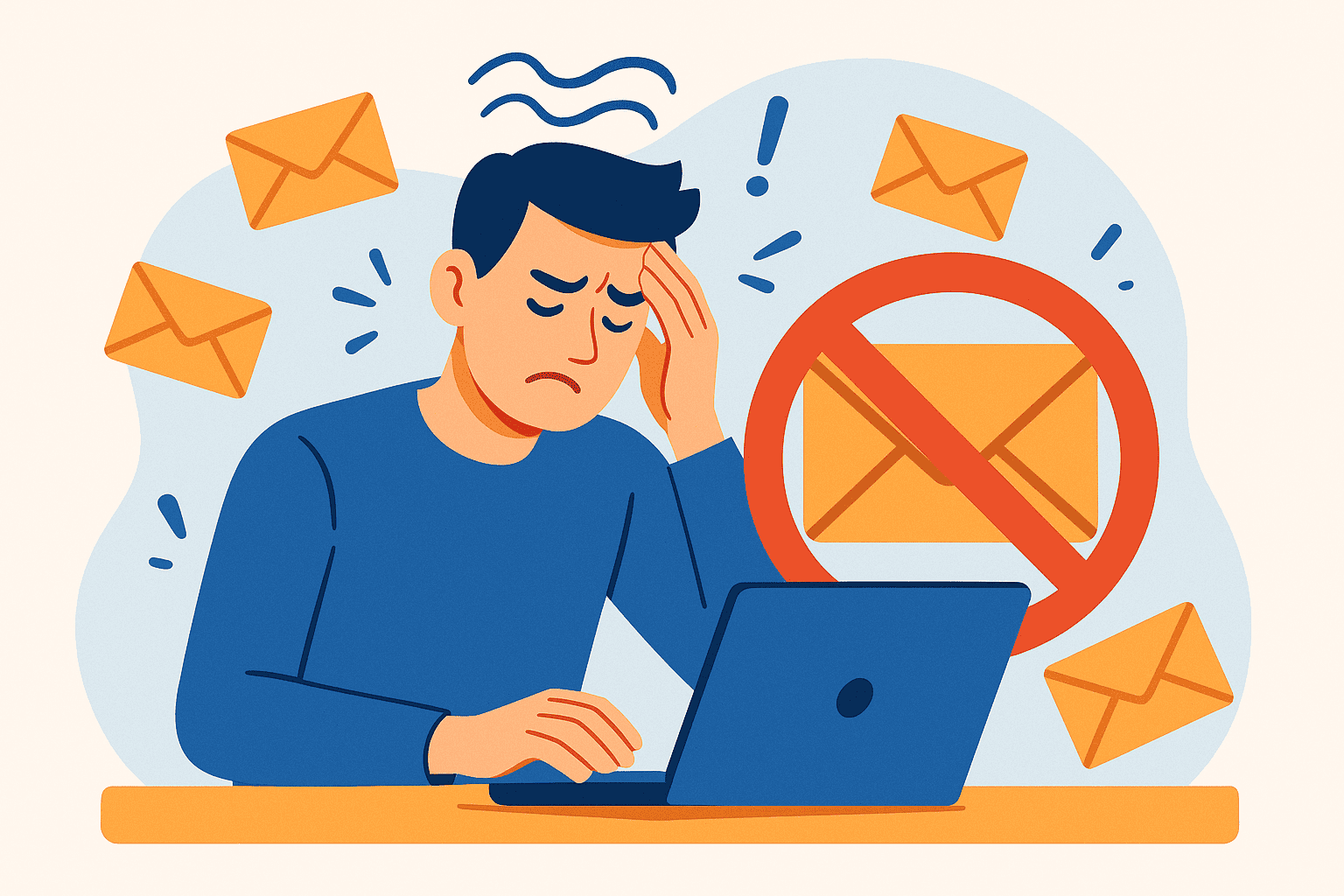
Email overload has become one of the most significant productivity drains in modern British workplaces. Research shows that the average UK employee spends over two hours daily managing their inbox, often feeling overwhelmed by the sheer volume of messages demanding attention. This constant digital bombardment doesn’t just waste time—it contributes to workplace stress, burnout, and reduced job satisfaction.
For business leaders and team managers, the consequences extend beyond individual wellbeing. Email chaos directly impacts team efficiency, delays decision-making, and can damage client relationships. Moreover, the mental load of an overflowing inbox creates anxiety that persists even after working hours end.
The good news is that email headaches aren’t inevitable. By implementing practical strategies, establishing clear policies, and leveraging appropriate tools, you can dramatically reduce email-related stress whilst improving team communication. This guide will walk you through proven methods to transform your team’s relationship with email, creating a healthier and more productive workplace environment.
Recognising The Email Problem In Your Workplace
Before implementing solutions, you need to identify whether email overload is affecting your team. Common warning signs include employees regularly working late to “catch up” on emails, important messages getting lost in crowded inboxes, and team members expressing frustration about constant interruptions.
The hidden costs of email stress are substantial. Studies indicate that excessive email volume contributes to employee burnout, with workers feeling obligated to remain constantly available. This pressure damages work-life balance and can lead to increased staff turnover—a costly problem for UK businesses already facing recruitment challenges.
Email overload manifests differently across organisations. Smaller teams might struggle with role ambiguity, where everyone receives everything “just in case.” Meanwhile, larger organisations often battle with complex CC chains and departmental silos that trap vital information.
The psychology behind email anxiety is revealing. Many employees compulsively check their inbox because each message triggers a small dopamine response. However, this constant context-switching significantly reduces focus and productivity. Research suggests it takes approximately 23 minutes to regain full concentration after an email interruption.
Common Communication Pitfalls Creating Email Chaos
Many workplace email problems stem from using email as the default communication method for everything. Teams often send emails for quick questions better suited to instant messaging, or complex discussions that would benefit from face-to-face conversation.
Another significant issue is the lack of clear email policies. Without established guidelines, employees develop inconsistent habits around response times, CC usage, and message formatting. This inconsistency creates confusion and unnecessary stress.
The “CC culture” prevalent in many organisations generates enormous unnecessary volume. People add multiple recipients “for visibility,” creating inbox clutter for colleagues who don’t actually need the information. Similarly, overuse of “reply all” multiplies messages exponentially.
Poor email structure compounds these problems. Vague subject lines make it difficult to prioritise messages or locate information later. Messages lacking clear action points leave recipients uncertain about expectations. Furthermore, emails sent outside standard working hours create implicit pressure to respond immediately, eroding boundaries between work and personal time.
Information silos present another challenge. When important communications remain buried in individual inboxes, knowledge doesn’t flow effectively across the team. This fragmentation forces employees to spend valuable time searching for information or repeatedly asking the same questions.
Implementing Effective Email Management Practices
Establishing clear email guidelines transforms team communication. Start by creating a written policy covering response time expectations, appropriate use of CC, and guidelines for after-hours communication. This clarity reduces anxiety and sets reasonable boundaries.
Therefore, encourage your team to designate specific times for email processing rather than constantly monitoring their inbox. Batch processing emails two or three times daily allows for focused work periods without interruption. This approach significantly improves both productivity and wellbeing.
Descriptive subject lines are essential for effective email management. Train team members to write subjects that clearly indicate content and urgency, such as “Action Required: Budget Approval Needed by Friday.” This practice helps recipients prioritise messages appropriately.
Next, implement the two-minute rule: if an email requires less than two minutes to address, respond immediately. Otherwise, schedule time to handle it properly. This prevents small tasks from accumulating whilst ensuring complex matters receive adequate attention.
Email templates save considerable time for routine communications. Create standardised formats for common scenarios like meeting confirmations, project updates, or client responses. Templates ensure consistency whilst reducing composition time.
Importantly, establish boundaries around out-of-hours email. In line with UK employment best practices, make it clear that employees aren’t expected to respond outside working hours except in genuine emergencies. Leadership must model this behaviour for it to become embedded in team culture.
Leveraging Technology To Reduce Email Burden
Modern email management tools offer powerful solutions for overwhelmed teams. Shared inbox platforms like Front or Help Scout enable multiple team members to collaborate on incoming messages, eliminating duplication and ensuring nothing falls through the cracks.
Email prioritisation tools automatically sort messages based on importance and urgency. Features like focused inbox in Microsoft Outlook or priority inbox in Gmail use algorithms to surface critical communications whilst filtering less urgent items. This automation helps employees focus on what truly matters.
However, the most effective strategy often involves reducing email dependency altogether. Collaboration platforms such as Microsoft Teams or Slack provide instant messaging, file sharing, and threaded conversations in one place. These tools are better suited for quick questions and ongoing discussions.
Similarly, project management software like Asana, Trello, or Monday.com moves task-related communications out of email entirely. Team members can track progress, share updates, and collaborate without generating inbox clutter. This centralisation makes information easier to find and reduces the risk of important details getting lost.
When selecting tools for your UK business, consider GDPR compliance carefully. Ensure any platform you implement meets data protection requirements, particularly if handling customer information. Also evaluate integration capabilities with existing systems to avoid creating additional complexity.
Cost considerations vary significantly based on team size and needs. Many platforms offer tiered pricing, so start with essential features and scale up as needed. Calculate potential ROI by estimating time saved and productivity gains against subscription costs.
Exploring Alternative Communication Channels
Not every workplace communication requires email. Instant messaging suits quick questions that need rapid answers. Rather than sending an email and waiting for response, a brief message often resolves matters immediately.
Project management platforms serve as excellent repositories for task-related discussions. When conversations about specific projects live within the relevant tool, information remains accessible and organised. Team members can review context without searching through email threads.
Shared documentation and knowledge bases reduce repetitive questions. Creating a central repository for frequently needed information—procedures, policies, contact details—means employees can find answers independently. This approach saves time for everyone.
Regular team meetings replace numerous update emails. A brief daily standup or weekly team meeting can communicate information that might otherwise generate dozens of messages. Face-to-face (or video) interaction also builds stronger team relationships.
Additionally, video calls work better for complex discussions requiring nuance. Tone and intention convey more clearly through conversation than text. For sensitive topics or brainstorming sessions, live communication prevents misunderstandings that email can create.
Nevertheless, email remains appropriate for certain communications. Formal documentation, external stakeholder communications, and situations requiring written records still warrant email. The key is using each channel purposefully rather than defaulting to email for everything.
Transforming Your Team’s Email Culture
Sustainable change requires systematic implementation. Begin with an email audit to understand current patterns. Track metrics like daily email volume per person, average response times, and peak sending periods. This data reveals where problems lie.
Next, gather team feedback through surveys or discussions. Ask employees about their biggest email frustrations and what would help most. This input ensures solutions address actual needs rather than assumed problems.
Leadership buy-in is essential for successful transformation. When managers model good email practices—respecting boundaries, using alternative channels appropriately, and following established guidelines—team members follow suit. Without leadership commitment, initiatives typically fail.
Roll out changes gradually rather than overwhelming the team. Introduce one or two practices initially, allow time for adjustment, then add more. This phased approach reduces resistance and allows for refinement based on experience.
Provide adequate training and support throughout the transition. Some team members will embrace new tools enthusiastically, whilst others need additional guidance. Offer resources, answer questions patiently, and celebrate early adopters who can mentor colleagues.
Address resistance directly and empathetically. Change feels uncomfortable, and some employees may worry new approaches will create additional work. Listen to concerns, explain the benefits clearly, and demonstrate how changes ultimately make their jobs easier.
Conclusion
Email overload is a solvable problem that requires intentional strategy and consistent effort. By recognising the signs of email stress, implementing clear policies, leveraging appropriate technology, and fostering alternative communication channels, you can dramatically reduce the burden on your team.
The benefits extend far beyond productivity gains. Healthier email practices improve employee wellbeing, strengthen team collaboration, and create a more positive workplace culture. These improvements contribute to better staff retention and overall business success.
Remember that transformation takes time. Be patient with the process, remain flexible in your approach, and continuously seek feedback from your team. Small, consistent improvements accumulate into significant positive change.
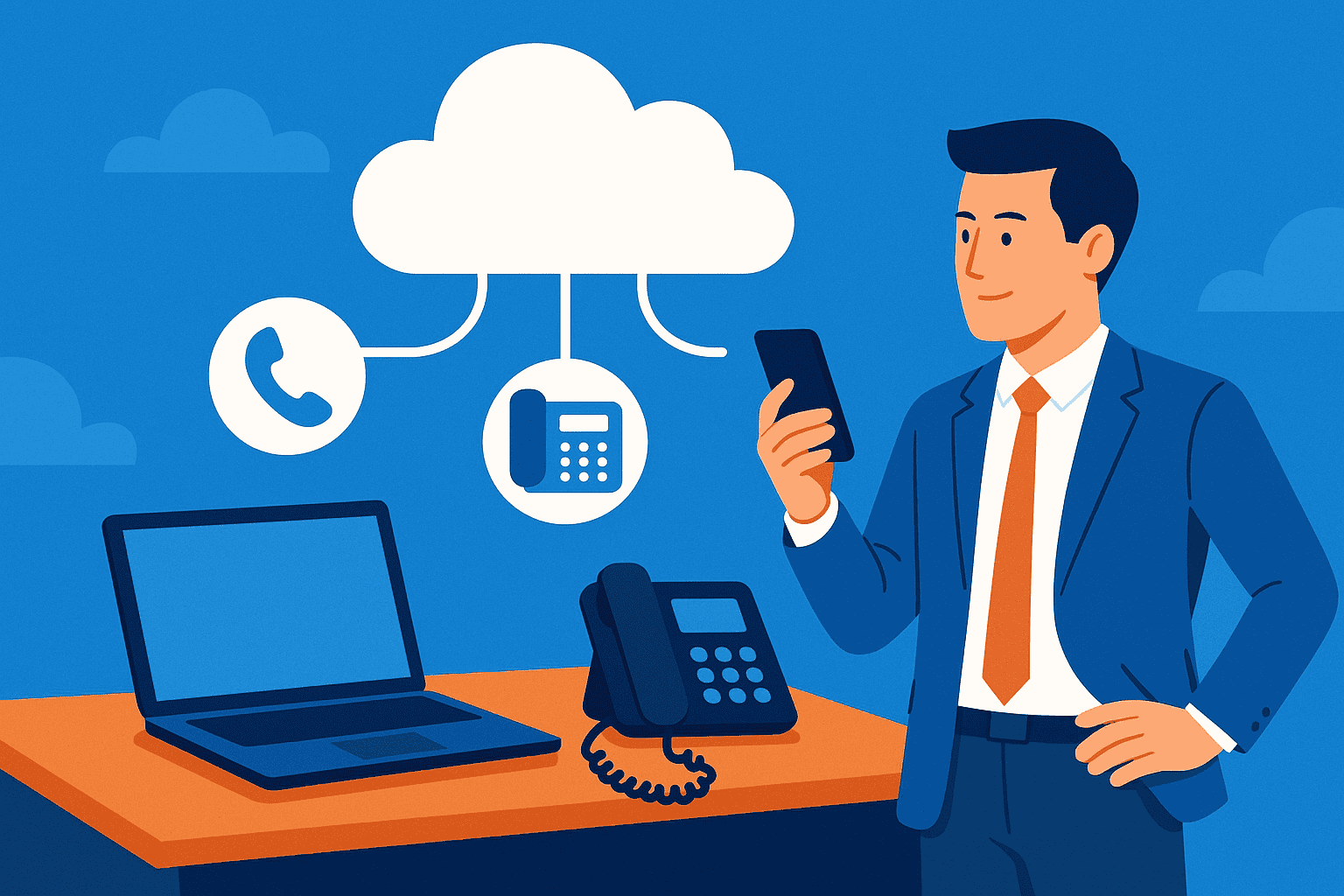
If you are in need of any IT or Cloud services, you can book a call with us today or check out our latest videos to learn more about us.
Frequently Asked Questions
How Many Emails Should Employees Receive Daily?
The average UK employee receives 80-120 emails daily, but optimal volume varies by role. Aim to reduce unnecessary internal emails by 30-50% through alternative communication channels.
What’s The Best Way To Reduce CC Overuse?
Establish clear guidelines about when CC is appropriate and encourage employees to consider whether each recipient truly needs the information. Create a culture where people feel comfortable asking to be removed from CC lists.
Should We Ban After-Hours Emails Completely?
Rather than outright bans, set clear expectations that responses aren’t required outside working hours except for documented emergencies. Some employees prefer sending emails when convenient, provided there’s no pressure to respond immediately.
How Long Does Email Culture Change Take?
Most organisations see noticeable improvements within 2-3 months of implementing changes, but full cultural transformation typically requires 6-12 months of consistent effort and reinforcement.
What’s The ROI Of Email Management Solutions?
Businesses typically recover 30-60 minutes per employee daily through effective email management, translating to substantial productivity gains. Additionally, reduced stress contributes to lower turnover and improved employee satisfaction.